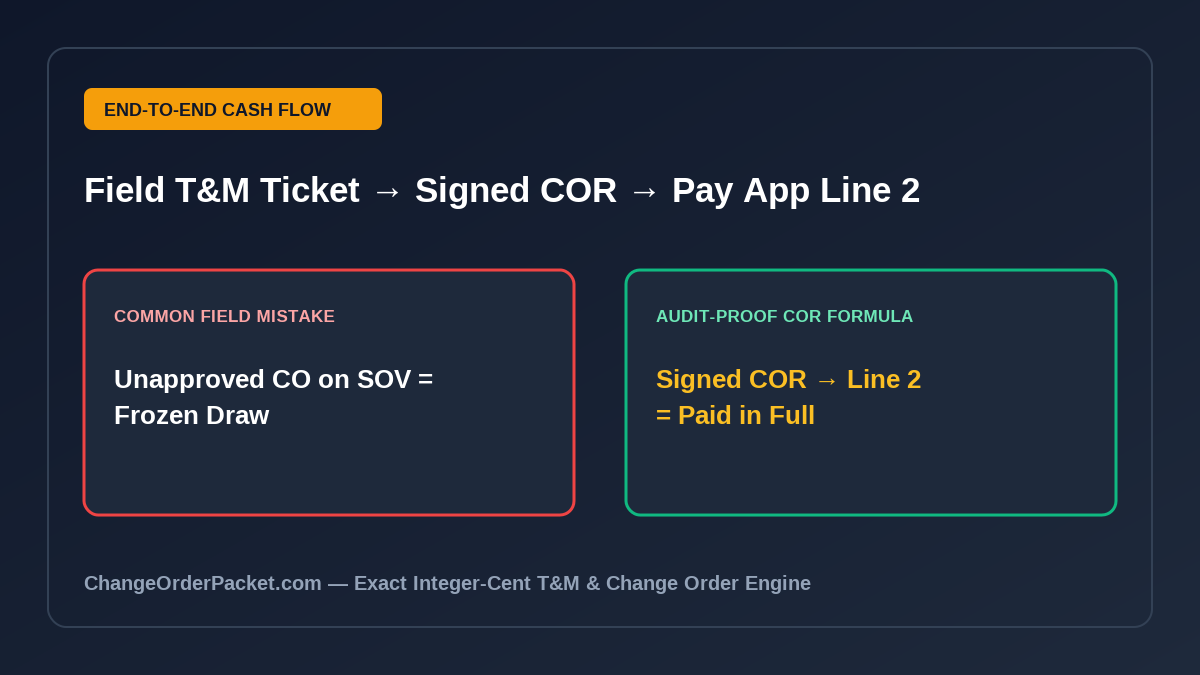
Putting an unapproved Change Order Proposal onto your monthly Progress Payment Application gives the GC accounting department legal grounds to reject your entire monthly draw—delaying $50,000+ of base contract progress over a $2,400 extra.
The Clean 3-Step Subcontractor Workflow
- Day of Extra Work: Get physical hours and quantities signed on Page 3 (Field Verification Ticket) of ChangeOrderPacket.com.
- Within 48 Hours: Send Page 1 (Formal COR Cover) & Page 2 (Landscape Burdened Cost Breakdown) to the GC Project Manager for signature before the 20th-of-the-month billing cutoff.
- Billing Cutoff Day: Click “Send to Line 2 on PayAppPacket.com” to carry the exact cent-matched COR onto your Schedule of Values and State Statutory Lien Waiver.
Stop Leaving 30% Labor Burden on the Jobsite Floor
Build your Portrait COR Proposal, Landscape Burdened T&M Audit Sheet, and Unpriced Field Ticket PDF in 90 seconds.